Buy Device
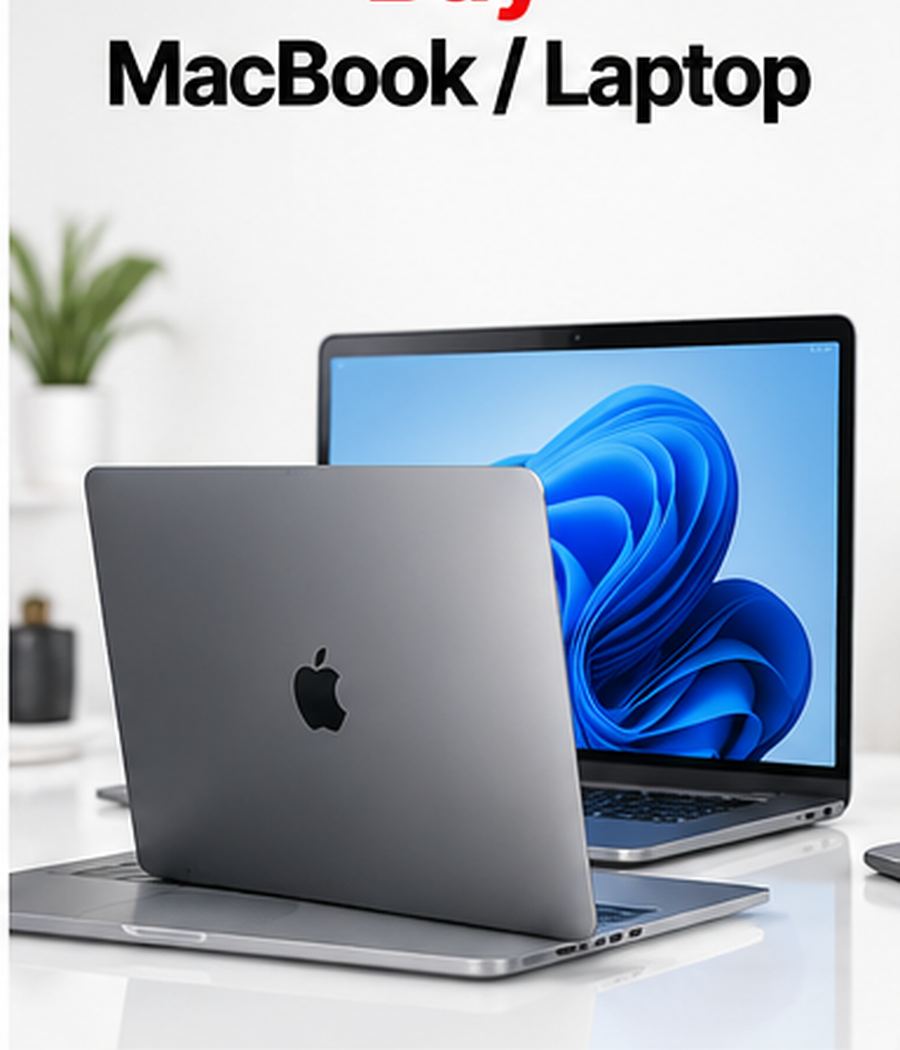
Category Overview
Buy MacBook & Laptop
Explore macbook & laptop options at techtrade and compare the model, specification, storage, condition and compatibility that matter before you buy.
About Buy MacBook & Laptop
Buy MacBook & Laptop from techtrade
Find the right macbook & laptop for the way you use technology
Buying a macbook & laptop is easier when the information that matters is presented clearly. At techtrade, this category is designed to help customers compare suitable devices without turning the buying process into a technical guessing game. Whether you are replacing an older device, buying for work or study, upgrading for better performance, or choosing a practical everyday option, the goal is to help you understand what to check before you make a decision. Current listings may include Apple MacBook Air and MacBook Pro, plus supported Windows laptops from brands such as Dell, HP, Lenovo, ASUS and other manufacturers shown in current listings. Availability can change, so the individual product page should always be treated as the final source for the exact model, specification, condition, included accessories, price and any applicable purchase terms.
A good device is not simply the one with the biggest specification number. The right choice depends on how you expect to use it, how long you want to keep it, the software or services you rely on, and the balance you want between performance and budget. For macbook & laptop buyers, the most useful comparison points normally include processor generation, RAM, SSD capacity, screen size and resolution, battery condition, keyboard and trackpad quality, ports, graphics capability, operating system compatibility and overall physical condition. Looking at these areas together gives a much clearer picture than choosing on appearance alone.
Who this category is for
This macbook & laptop category is suitable for customers who want a straightforward way to explore technology for office work, study, software development, design, browsing, remote work, video meetings, creative applications and general productivity. Some customers need a dependable device for basic daily tasks, while others need stronger performance, more storage or better display quality. A student may value portability and battery life. A professional may care more about performance, storage and compatibility. A family buyer may prioritise reliability and ease of use. A creative user may focus on display quality, cameras, stylus support or processing power, depending on the device type.
The most important step is to start with your real requirements rather than the most expensive specification. Think about the applications you use every day, the amount of storage you normally need, whether you travel frequently, whether you depend on mobile connectivity, and whether accessories are important to your workflow. This helps you avoid paying for features you may never use while also reducing the chance of choosing a device that becomes limiting too quickly.
Understand the available device range
The macbook & laptop market includes many generations, sizes and performance levels. In this category you may see Apple MacBook Air and MacBook Pro, plus supported Windows laptops from brands such as Dell, HP, Lenovo, ASUS and other manufacturers shown in current listings. The exact products shown on techtrade depend on current availability. Each listing should be checked individually because two devices that look very similar can differ significantly in processor generation, storage, connectivity, battery condition, software support or included accessories.
When comparing products, begin with the model and generation. Then move to the specification. Important technology in this category can include Apple silicon or Intel/AMD processors depending on model, SSD storage, multiple RAM configurations, integrated or dedicated graphics, high-resolution displays, Wi-Fi, Bluetooth and a variety of USB, USB-C, Thunderbolt or HDMI ports. Do not assume that a newer-looking exterior always means a newer internal specification. Model numbers, release generation and hardware information are more useful for comparison than appearance alone.
Performance and everyday speed
Performance affects how quickly applications open, how smoothly multitasking works and how comfortable the device feels during demanding tasks. For basic web browsing, communication and media use, a mid-range specification may be perfectly suitable. Heavier users should pay closer attention to processor generation, memory, graphics capability where relevant, and thermal performance.
Try to match performance to your expected workload. If your main activities are email, streaming, browsing and documents, you may not need the highest-end hardware. If you edit media, use demanding creative applications, play modern games, work with large files or keep many applications open at once, stronger hardware can provide a noticeably better experience. Buying with a little performance headroom can also help the device remain useful for longer.
Storage: choose enough space from the start
Storage is one of the easiest specifications to underestimate. Photos, videos, applications, offline media, system updates and work files can consume space quickly. A lower-capacity device may cost less, but it can become inconvenient if you constantly need to remove files or rely on cloud storage.
Consider how much space your current device uses and allow room for growth. Users who mainly stream content and keep files in the cloud may be comfortable with a lower capacity. Users who capture lots of photos or video, install large applications, download media for travel or keep work files locally should consider a higher capacity. Where expandable storage is supported, check the individual listing rather than assuming that every model accepts a memory card.
Display quality and size
The display is the part of the device you interact with most often. Screen size affects portability as well as comfort. A compact display is easier to carry, while a larger screen can be better for reading, productivity, video and creative work. Resolution, brightness, panel technology, refresh rate and colour quality can also influence the experience.
For a pre-owned or refurbished device, physical screen condition matters just as much as the specification. Review the product information for any notes about marks, scratches or other cosmetic characteristics. If display quality is critical to your work, compare the exact model specification and condition before placing an order.
Battery condition and realistic expectations
Battery performance changes naturally with age and use. A newer device can normally be expected to have stronger battery endurance than a heavily used older one, but usage patterns, display brightness, background applications, network conditions and battery health all affect real-world runtime.
When battery life is important, compare the age and generation of the device, look for any battery information provided in the listing, and consider how you will use it. Long travel days and remote work place different demands on a battery than light use at home. If a listing includes specific battery-health information, use that figure as part of your comparison rather than relying only on the model’s original manufacturer estimate.
Connectivity and compatibility
Compatibility should be checked before purchase, especially if you depend on particular accessories, mobile networks, ports or software. Depending on the macbook & laptop, connectivity may include Wi-Fi, Bluetooth, mobile data, USB, USB-C, Thunderbolt, HDMI, SIM, eSIM or other standards. Not every generation supports the same features.
Before buying, make a short list of anything that must work with your next device: your mobile network, headphones, charger, external display, keyboard, stylus, storage drive, business software or school applications. Then check the exact product specification. This simple step can prevent many avoidable compatibility problems.
Condition: read the individual listing carefully
A device category gives you the general type of product, but the product listing gives you the specific condition. Depending on stock, a device may be new, pre-owned or refurbished. Cosmetic condition can vary, and included accessories can vary as well. Never assume that every item in a category has the same condition or package contents.
Read the description for the exact item you are considering. Check the images, model details, storage, colour, condition notes and included accessories. If something important is not clear, contact techtrade before buying. Making the decision from the actual listing is more reliable than applying general assumptions to every device in the category.
Software support and long-term use
Software support affects security, application compatibility and access to new features. Older devices may still perform well for basic tasks but can have a shorter remaining support window. If you intend to keep your purchase for several years, the model generation and software support policy deserve attention.
Think about the applications and services you rely on. Business, banking, education and creative applications can have minimum operating-system requirements. Choosing a device with sufficient software support can reduce the chance that an important application becomes unavailable sooner than expected.
Accessories and what is included
Chargers, cables, cases, keyboards, styluses, adapters and other accessories can add value, but they should never be assumed unless they are shown or described in the product listing. Some customers already own compatible accessories and prefer to buy only the device. Others want a complete setup.
Before checkout, check what is included and what you may need to purchase separately. Also confirm compatibility. A cable that looks similar may use a different standard, and a keyboard or stylus designed for one generation may not work with another.
How to compare two similar macbook & laptop options
When two devices seem almost identical, compare them in the same order: exact model and generation, processor, memory where relevant, storage, display, connectivity, battery information, cosmetic condition, accessories and price. Then consider which differences actually matter to your use.
For example, extra storage may be more valuable than a minor processor improvement if you keep large local files. A newer generation may be more useful than a larger screen if long-term software support is your priority. A slightly older model in excellent condition may be a better fit than a newer model with features you do not need. The best value is the product that meets your requirements with the fewest unnecessary compromises.
Buying for work, study or family use
Work and study buyers should check application compatibility, video-call hardware, storage and battery needs. If the device will move between home, office and school, portability and charger availability matter as well. Families may also want to consider account management, parental controls, durability and ease of setup.
If you are buying for another person, avoid choosing only from your own preferences. Ask about the applications they use, the size they prefer and any accessories they already own. A well-matched device usually provides a better experience than a higher-priced device that does not suit the user.
Make your purchase decision with clear information
techtrade’s category structure is intended to make it easier to move from a broad device type to a specific product. Use the category to understand your options, then use the individual listing to confirm the exact details. Where information such as condition, accessories, warranty, returns or delivery is relevant, rely on the terms shown for that specific product and the current website policies.
Do not rush because two devices look similar. A few minutes spent checking generation, storage, battery information and compatibility can make a significant difference to your satisfaction after purchase.
Buyer checklist
Before buying a macbook & laptop, confirm the exact model and generation; verify the storage capacity; check the physical condition; review battery information if provided; make sure the operating system and applications you need are supported; check connectivity, ports or network compatibility; review what accessories are included; confirm the colour and size; compare the product against at least one alternative; and read the applicable purchase, delivery and return information shown on techtrade.
If all of those points match your requirements, you can make the next step with much greater confidence.
Frequently asked questions
Which macbook & laptop should I buy?
Choose based on your real workload, preferred size, storage requirement, software compatibility and budget. Start with the tasks you perform every day, then compare the exact specifications of available listings.
Should I choose more storage?
More storage is useful if you keep many photos, videos, applications or offline files. Cloud-focused users may need less local capacity. Check your current usage and leave room for future growth.
Is an older model still worth buying?
It can be, provided the performance, battery condition, software support and overall condition meet your needs. Model age should be considered together with price and expected length of ownership.
Are accessories included?
Only treat an accessory as included when the specific product listing says it is included. Package contents can differ between products.
What should I check before ordering?
Confirm the model, generation, specification, condition, compatibility and included items. If an important detail is unclear, contact techtrade before completing the purchase.
Conclusion
A successful macbook & laptop purchase begins with accurate comparison rather than impulse. Focus on the features that affect your daily use: processor generation, RAM, SSD capacity, screen size and resolution, battery condition, keyboard and trackpad quality, ports, graphics capability, operating system compatibility and overall physical condition. Consider how long you plan to keep the device, what applications you rely on and how much performance or storage you genuinely need. Then compare the available techtrade listings and review the exact product information before buying. This approach helps you choose a device that fits your work, study, entertainment or everyday needs without paying for features that add little value to you.