Sell Smartphone
View device information below, then continue to buy a device or sell your current tech through Techtrade.
Techtrade
Contact
Subscribe to Techtrade for the latest device news, buying guides, selling tips and updates.
View device information below, then continue to buy a device or sell your current tech through Techtrade.
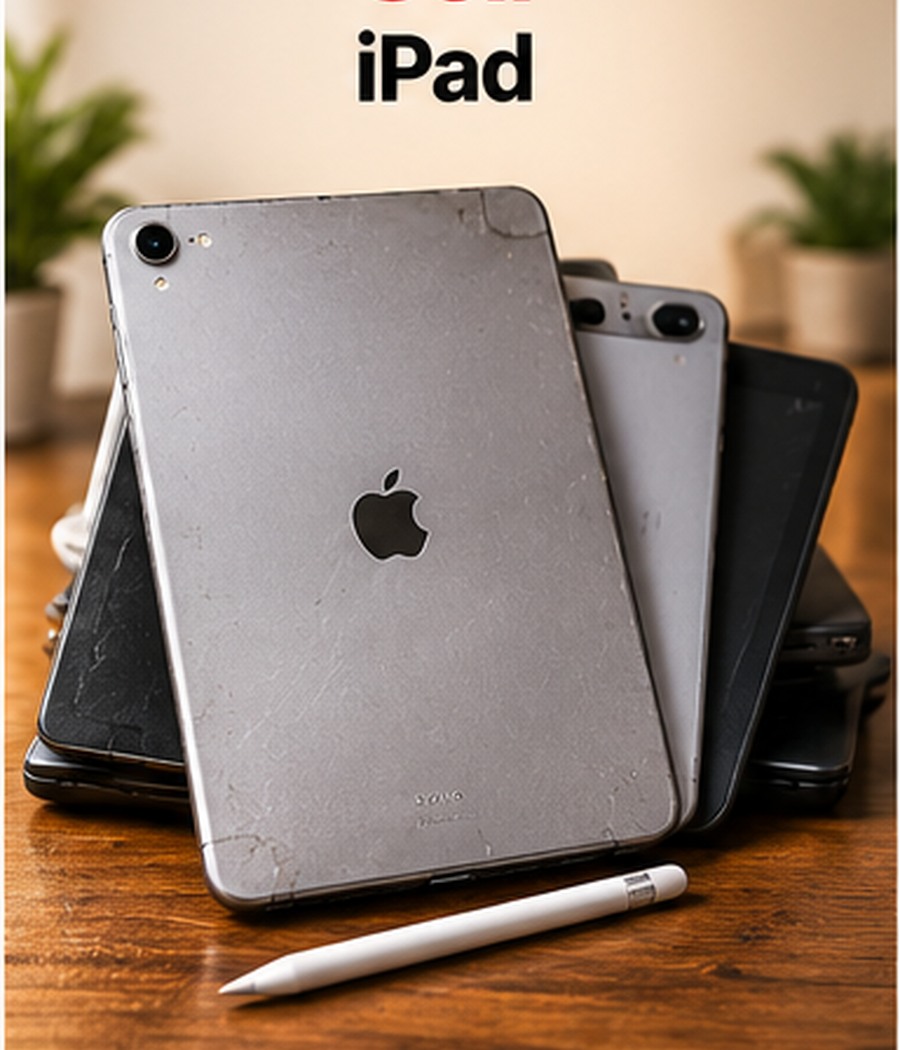
Selling a smartphone is much easier when the request begins with accurate information. This category is for customers who want to submit a device such as Apple iPhone, Samsung Galaxy, Google Pixel and other compatible Android smartphones. The purpose of the category is to help you identify the device correctly, describe its condition clearly and provide the information needed for a proper review. A sell request should not be treated as an automatic final valuation. The details you provide create the starting point, while the actual device condition and any later inspection or verification may affect the final outcome.
Before submitting anything, read the category information and make sure your device belongs here. If you are unsure about the model, generation or specification, check the device settings, original packaging, purchase record or manufacturer identification information. Choosing the right category from the start helps avoid delays and makes the next steps easier.
Depending on the current techtrade sell options, this category can cover Apple iPhone, Samsung Galaxy, Google Pixel and other compatible Android smartphones. Availability and accepted models may change, so the website’s current sell form and category information should be used as the final guide. A device that looks similar to another model may still have a different generation, storage capacity, connectivity specification or hardware configuration.
The more accurately you identify the device, the easier it is to review your request. Do not guess the model if you can verify it from the device itself. If the form asks for information you cannot find, provide the most accurate detail available and use the message or notes area to explain anything uncertain.
For a smartphone, useful sell information normally includes exact model, storage, network status, battery condition, screen condition, camera performance, charging, buttons, speakers, microphones and signs of liquid or impact damage. These details help distinguish one version from another and give a clearer picture of the device’s present condition.
You should also be ready to explain any known faults. If a button works intermittently, the battery drains unusually quickly, the screen has a crack, a port is loose or an accessory is missing, state it clearly. Accurate disclosure is more useful than trying to make the device sound better than it is. A transparent description reduces the chance of the request changing later because the physical device does not match the original information.
Model identification is one of the most important parts of a sell request. Product families often contain several generations that look very similar. Storage capacities, processors, screen sizes and network variants can also differ within the same family.
Check the settings or system-information screen where possible. For computers, note the processor, RAM and storage. For mobile devices, note the model, storage and connectivity version. Where a serial number or other unique identifier is required by the process, only enter it into the secure field provided for that purpose. Avoid posting sensitive identifiers publicly in descriptions, screenshots or social media.
If you cannot switch the device on, check the original box, receipt or model markings. State clearly if the specification is estimated rather than confirmed.
Cosmetic condition includes scratches, marks, dents, chips, cracks, discolouration and wear around edges, ports, hinges or buttons. Normal signs of use do not necessarily mean a device cannot be sold, but they should be described accurately.
Use good lighting when checking the device. Clean the exterior gently so that dust is not mistaken for damage. Look at the screen from different angles. Check the back, corners and frame. For a laptop, inspect the lid, palm rest, keyboard, trackpad and hinges. For a tablet or phone, inspect the camera area, charging port and screen edges.
If your sell form allows images, take clear photographs that show the actual condition. Do not use stock images to represent the device you are submitting.
A device can look excellent but still have functional problems. Test the features you can reasonably check. For this category, that may include power, charging, display, touch input, buttons, cameras, speakers, microphones, wireless connectivity, ports, keyboard, trackpad or other model-specific functions.
If the device restarts unexpectedly, overheats, has weak audio, fails to charge normally, shows display lines, has dead touch areas or has another known issue, include that information. A device with faults may still be worth submitting, but the request should describe those faults from the beginning.
Do not attempt risky repairs simply to improve the appearance before selling. If a repair is needed, professional assessment is safer than damaging the device further.
Battery condition can have a significant effect on the usability of a used device. A battery that lasts much less than expected, shuts down unexpectedly or shows a service warning should be mentioned. If the operating system provides battery-health information and the form requests it, use the displayed figure rather than estimating.
Also test charging with a known working charger where practical. Check for loose ports, damaged connectors or charging interruptions. For laptops, note whether the charger is included and whether it works. For mobile devices, included cables or chargers should only be listed if you are actually providing them.
Your personal information is more important than the device itself. Before handing over or sending a device, create a reliable backup and make sure you can access that backup from another device. For this category, a sensible preparation process is to back up your photos and files, sign out of Apple ID or Google accounts, remove screen locks, remove the SIM card, disable activation locks where applicable and factory-reset the phone only after your important data is safely backed up.
Do not erase the device before you have confirmed that important photos, documents, contacts, authentication information and other files are safely backed up. Also make sure you know the passwords needed to remove account locks. A factory reset does not always remove activation or management locks if the account has not been signed out correctly first.
If the device belongs to an employer, school or other organisation, confirm that you are authorised to sell it and that any management profile can be removed legitimately.
Account locks can prevent another user from setting up a device. Apple Find My, Google device protection, Microsoft accounts, mobile-device-management systems and other security features may need to be removed before transfer. Follow the official operating-system steps for your model.
Never share your account password with a buyer or support agent. The correct approach is to remove the account from the device yourself. If you cannot remove an activation or management lock, state that clearly before completing the sell request.
Original packaging, chargers, keyboards, styluses, adapters or other accessories may be useful, but their effect depends on the specific device and current sell process. List only accessories you genuinely intend to provide. Check that chargers and cables are safe and functional.
Do not delay a sell request simply because the original box is missing unless the current techtrade process specifically requires it. The device model, condition and functionality are usually more important than packaging, although complete accessories can make the submission easier to understand.
A sell valuation can be influenced by the exact model, generation, storage or hardware specification, cosmetic condition, functional condition, battery performance, network or activation status, demand for that model, included accessories and the accuracy of the information submitted. For a smartphone, particularly relevant points include exact model, storage, network status, battery condition, screen condition, camera performance, charging, buttons, speakers, microphones and signs of liquid or impact damage.
Market values can change, and two devices from the same product family may not have the same value. A higher storage model may differ from a base model. A fully working device may differ from one with a damaged screen or weak battery. This is why a category page should guide the request rather than promise a fixed amount for every device.
An accurate sell request gives techtrade a clearer basis for reviewing the device and gives you a more realistic expectation of the process. If a request states that the device is fully functional but inspection later finds major faults, the original information no longer represents the actual device. That can lead to delays or a revised outcome.
Being transparent does not mean describing normal wear as major damage. Use plain language. For example: “light scratches on the back, screen intact, charging works, battery drains faster than when new.” A description like this is much more useful than simply writing “good condition.”
If photographs are requested, use natural or bright indoor light and a plain background. Capture the front, back, sides and any visible damage. Make sure the images are in focus. For a laptop, include the keyboard and screen. For a phone or tablet, show the screen surface and camera area.
Avoid filters that hide marks or change colours. The goal is not to create a sales advertisement; it is to document the actual device accurately. If there is a crack or dent, include a close-up rather than hiding it.
A gentle clean makes condition easier to assess. Power the device off, disconnect accessories and use methods appropriate for the manufacturer. Avoid spraying liquid directly onto ports, screens or keyboards. Do not use abrasive cleaners.
Cleaning is different from repair. Do not polish away coatings, force damaged ports or open a device unless you are qualified to do so. A clean, honestly described device is better than a device damaged by an unnecessary attempt to improve it.
Devices used for calling, messaging, social media, photography, navigation, mobile banking, content creation, gaming and everyday work can contain a large amount of personal information. Check saved browser passwords, downloaded files, email accounts, cloud storage, messaging applications and authentication apps before reset. Move any required two-factor authentication access to another device first.
If you use the device for banking, business or confidential work, follow the relevant service instructions for signing out and removing trusted-device access. After the transfer is complete, you can also review your account security pages to confirm that the old device is no longer authorised where appropriate.
The exact process depends on the current techtrade workflow shown on the website. In general, a sell request begins with your category, device details, condition information and contact details. The information can then be reviewed and, where necessary, clarified before the transaction progresses.
Do not assume a submitted form automatically means the device has been accepted at a specific value. Keep the device safe and do not send it anywhere until you are following the confirmed instructions provided through the legitimate techtrade process.
Before submitting, confirm that you selected the correct category; identify the exact model and specification; describe cosmetic marks honestly; test the functions you can check; state any faults; note battery or charging problems; list only accessories you will provide; back up personal data; remove accounts and activation locks at the correct stage; and make sure your contact details are accurate.
Keep a record of the device information you submitted. If the condition changes after the request—for example, the screen is damaged before handover—update the information rather than relying on the earlier description.
You can still submit a request if the current techtrade process accepts that model. Describe the marks accurately so the condition can be reviewed properly.
State the fault clearly. Do not describe a device as fully working if you know an important function is damaged or unreliable.
You can prepare your backup and account information first. Complete the secure data-removal steps at the appropriate point in the process, and never erase important data before confirming your backup.
Only if the current process specifically requires it. List any box or accessories you do have, but do not claim items that will not be provided.
The information in a form is based on your description. Verification of the actual model, specification and condition can reveal differences that affect the review.
Selling a smartphone professionally begins with three things: correct identification, honest condition information and safe handling of personal data. Select the right category, confirm the model and specification, review exact model, storage, network status, battery condition, screen condition, camera performance, charging, buttons, speakers, microphones and signs of liquid or impact damage, and explain any known faults. Then prepare your data carefully by following the account-removal and backup steps appropriate to the device. A clear, accurate request gives techtrade the information needed to review your device efficiently and helps you move through the sell process with realistic expectations.
Browse available devices to buy or submit your current device details to sell with Techtrade.